
.avif)
No rep logging required
Activity is captured from Gmail, Outlook, Calendar, Zoom, and Teams. No field to update. The data exists whether anyone writes it down or not.
Every channel, not just what reps document
Email, calendar, calls, and every buyer-side contact who responded, including people the rep never created in the CRM.
Matched to the right account and opportunity
Every interaction mapped to the correct CRM object. Misattribution doesn't just look wrong: it corrupts forecasts, pipeline reviews, and coaching.
The layer your other tools depend on
Forecasting, pipeline inspection, and AI tools are only as reliable as the activity data beneath them. This is that layer.
The definition
The difference between activity reporting and activity capture
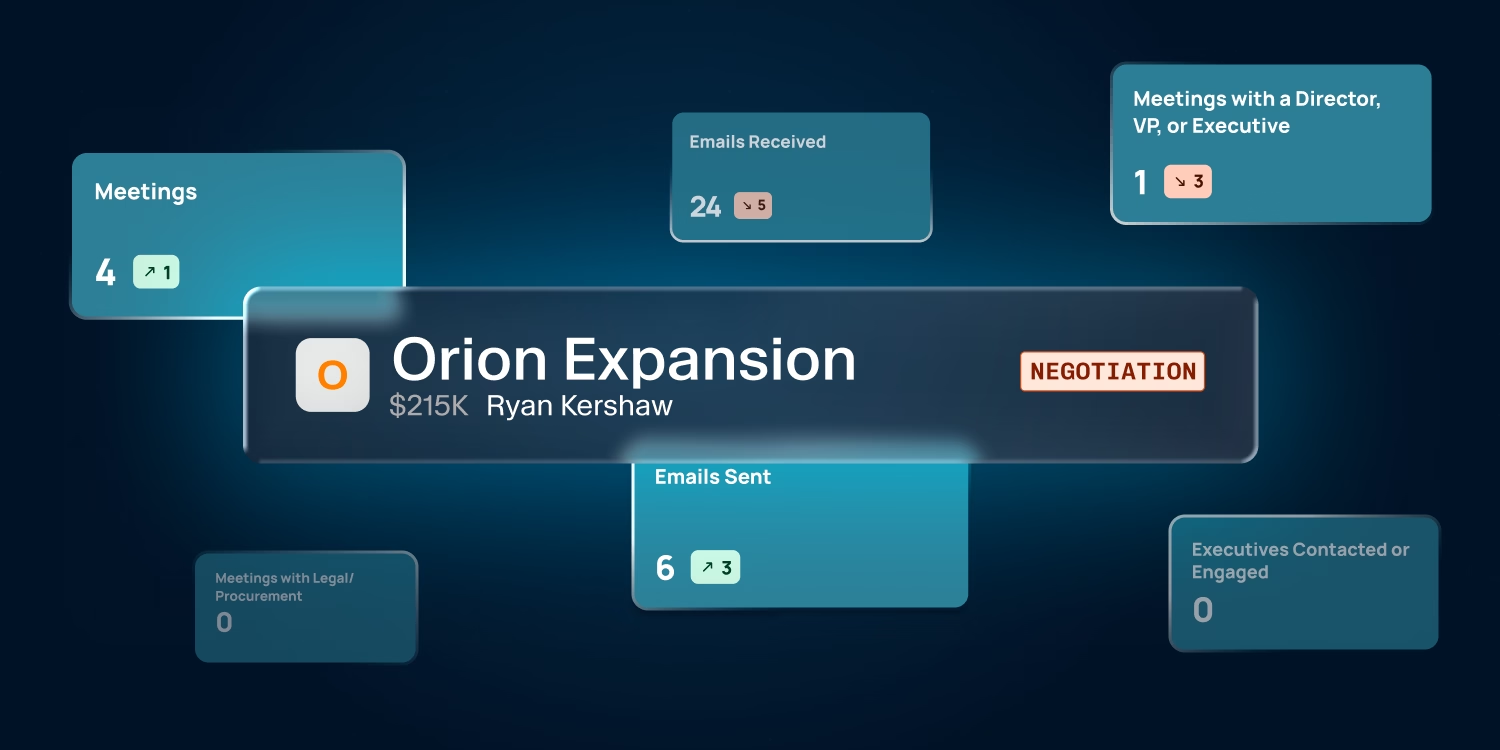
Most tools ask reps to log what happened. Backstory reads what actually happened from the tools where selling takes place - inbox, calendar, calls - and matches it to the right deal automatically.
No rep action required.
You called the deal closed. It fell through. You pull the activity history to find out why - and there's nothing there.
Not because nothing happened, but because it was never matched to the right opportunity.
Where most tools get it wrong
The impact
Forecast models built on partial CRM data produce unreliable predictions. Pipeline inspection built on rep narrative catches risk too late. AI tools trained on incomplete activity data produce authoritative-looking outputs that are structurally wrong.
Complete activity data changes what questions you can ask, and whether the answers mean anything when you act on them.
When the data is complete, the answers change
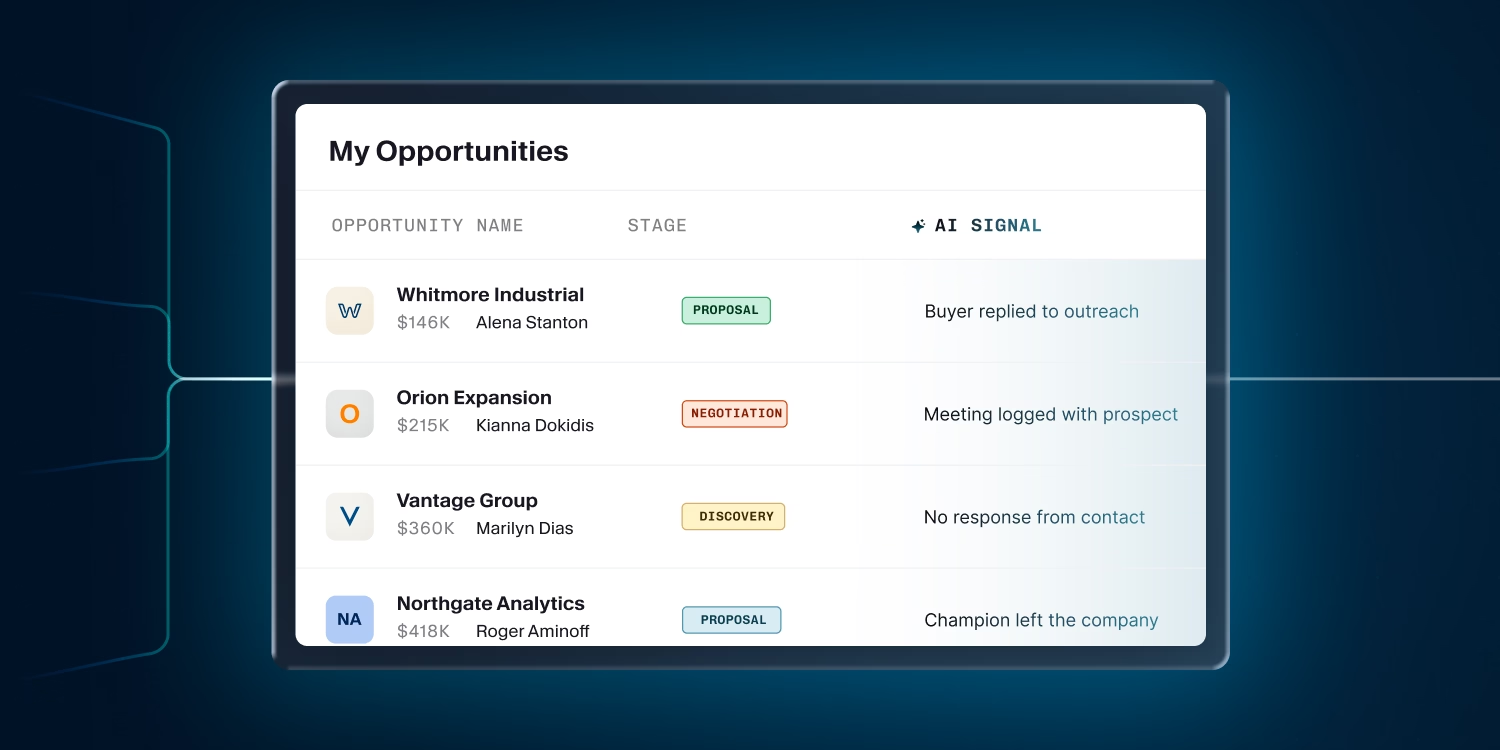
- Risks surface when engagement drops below winning-deal patterns, not when a rep flags it
- Pipeline reviews start with objective activity data, not what reps reported in 1:1s
- Coaching is based on actual call, email, and meeting patterns, not recall
Go deeper on real Pipeline Inspection
See what your activity coverage
actually looks like.
Backstory analyzes your full sales activity, not just what lives in the CRM, and shows you what your team is actually working on and what's being missed.
Which deals are real?
Know before the call. Spot risk before it becomes a miss. Cover the quarter before it closes.
